
 Costs
CostsYour fixed costs, at a glance.
Rent, subscriptions, salon visits, yearly fees. Costs puts payments of every rhythm on one screen, so you can see what this month adds up to and which months of the coming year will peak.
- Use for
- Fixed costs
- Works on
- iPhone
- Your data
- On this device
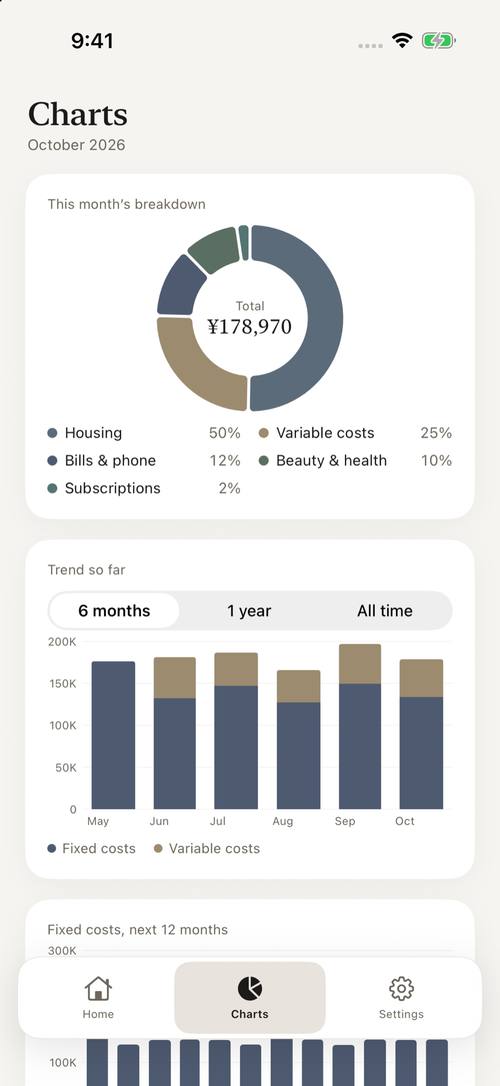
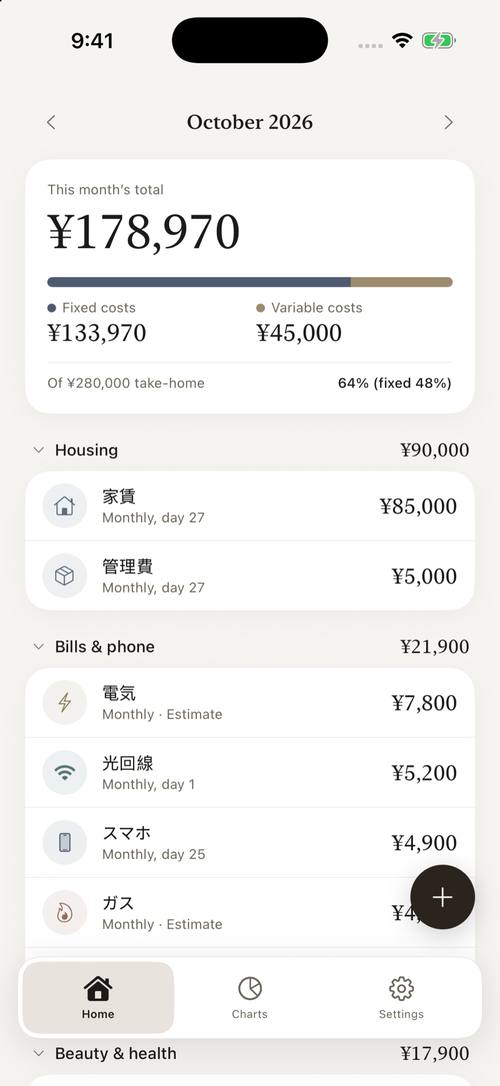
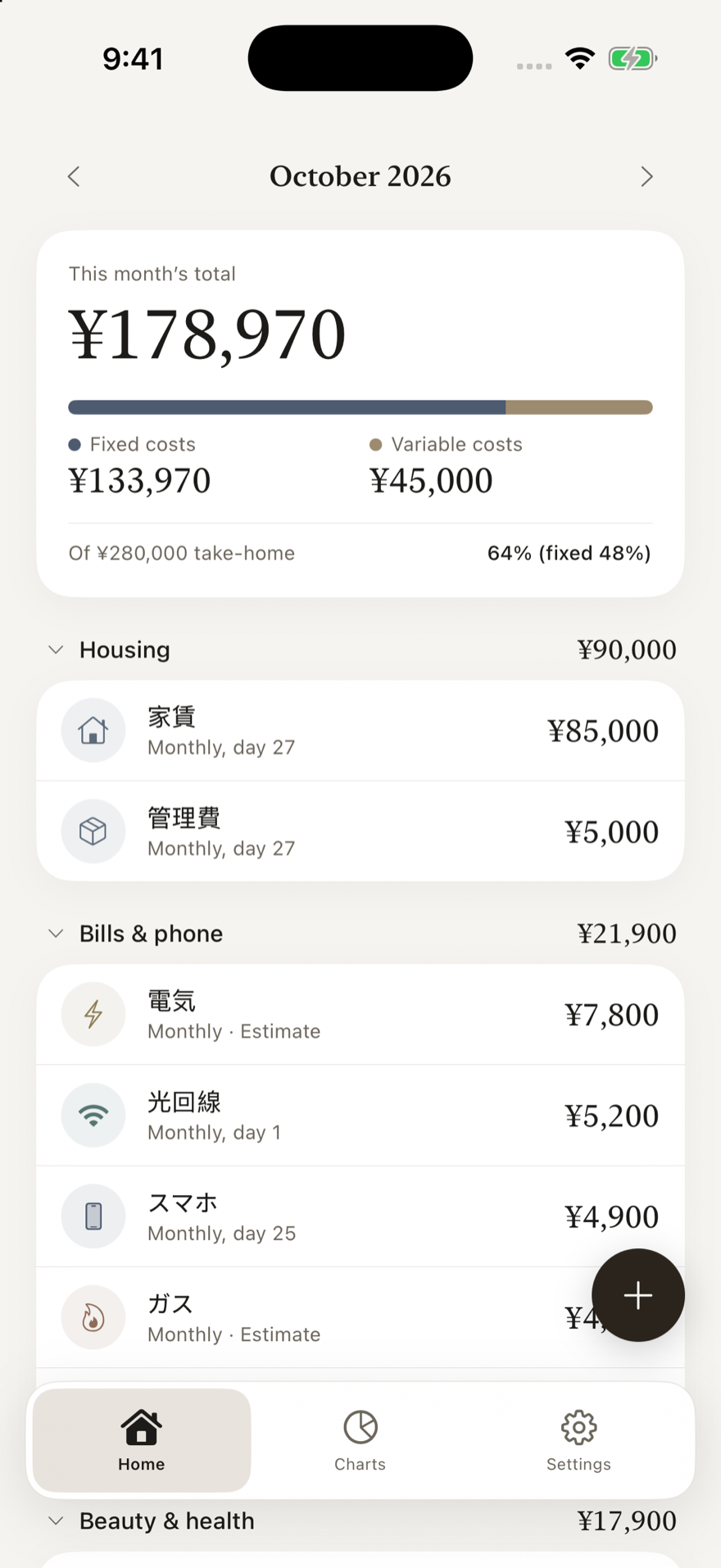
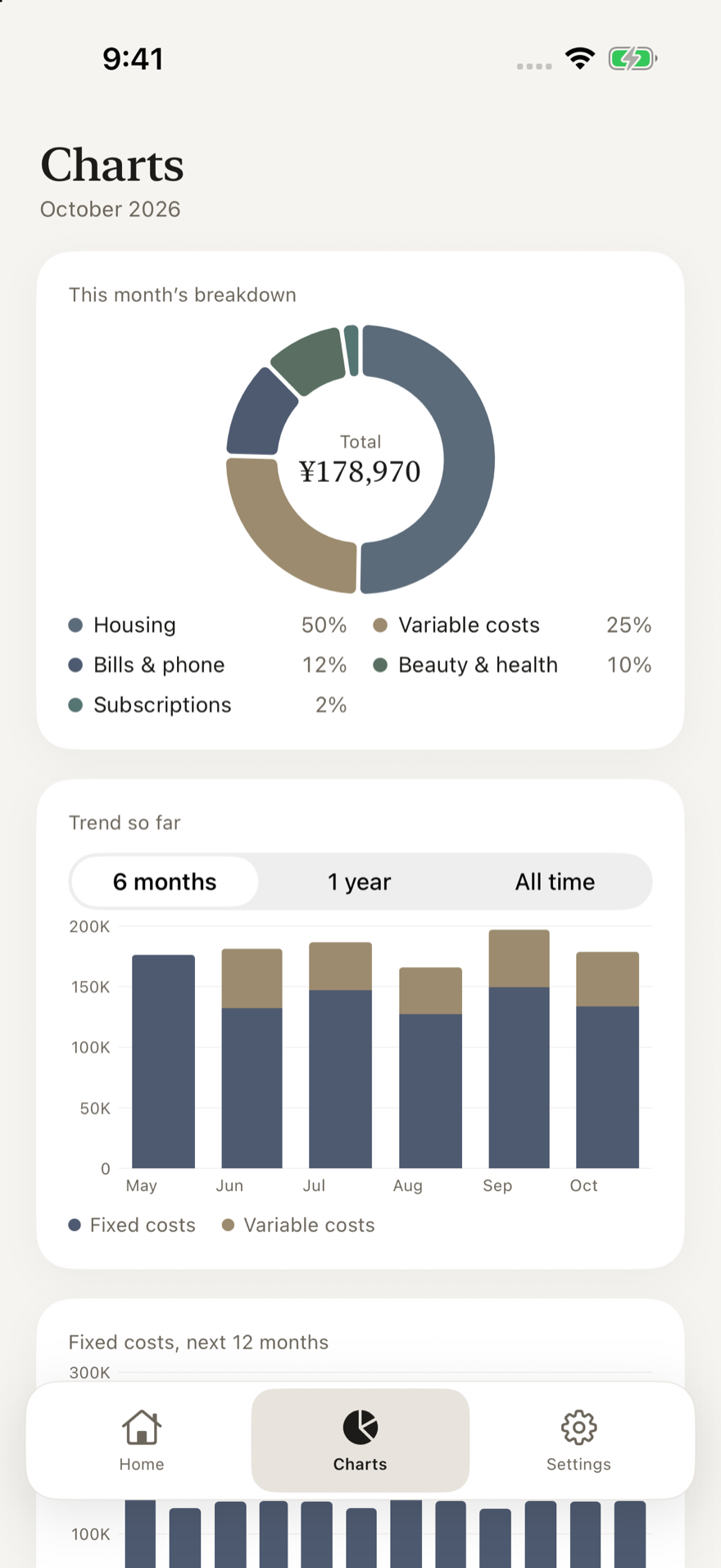
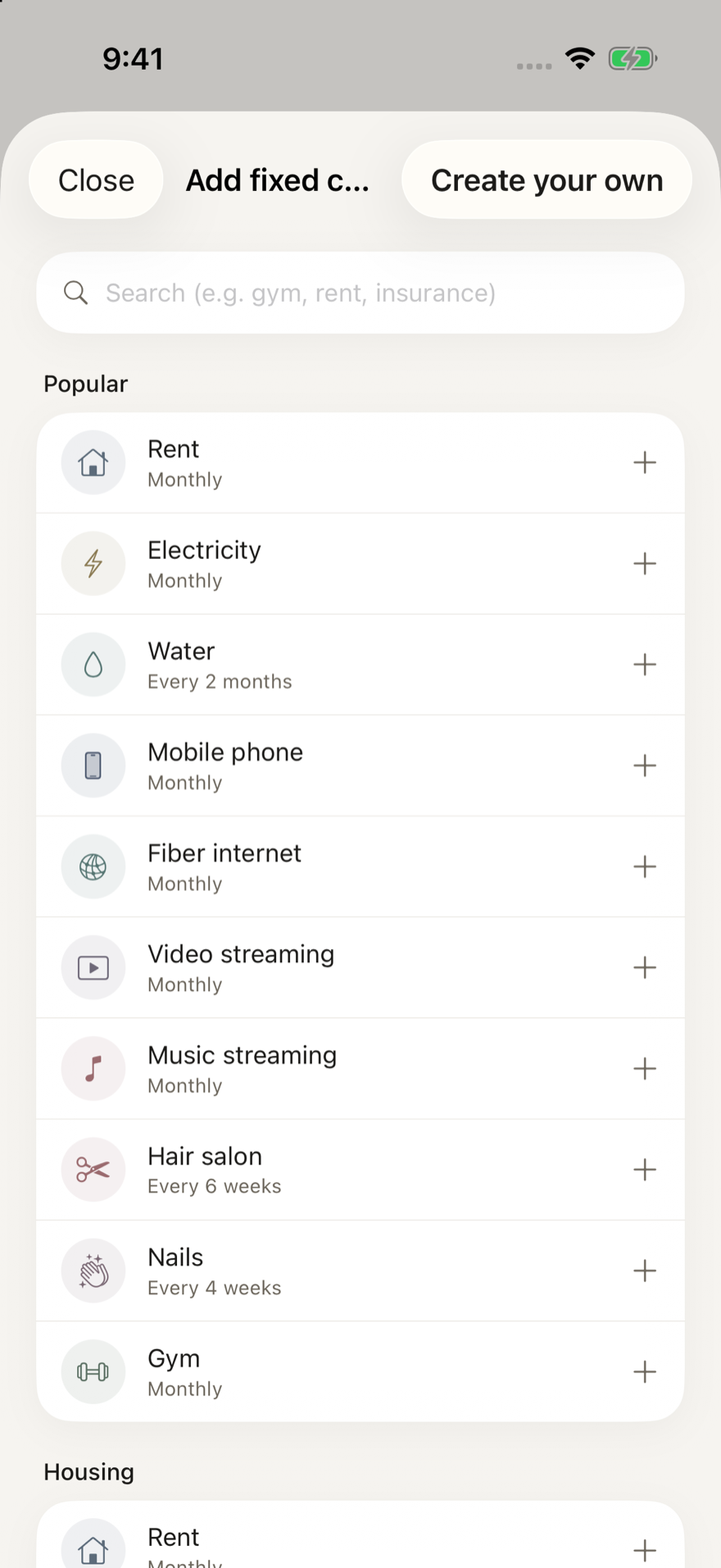
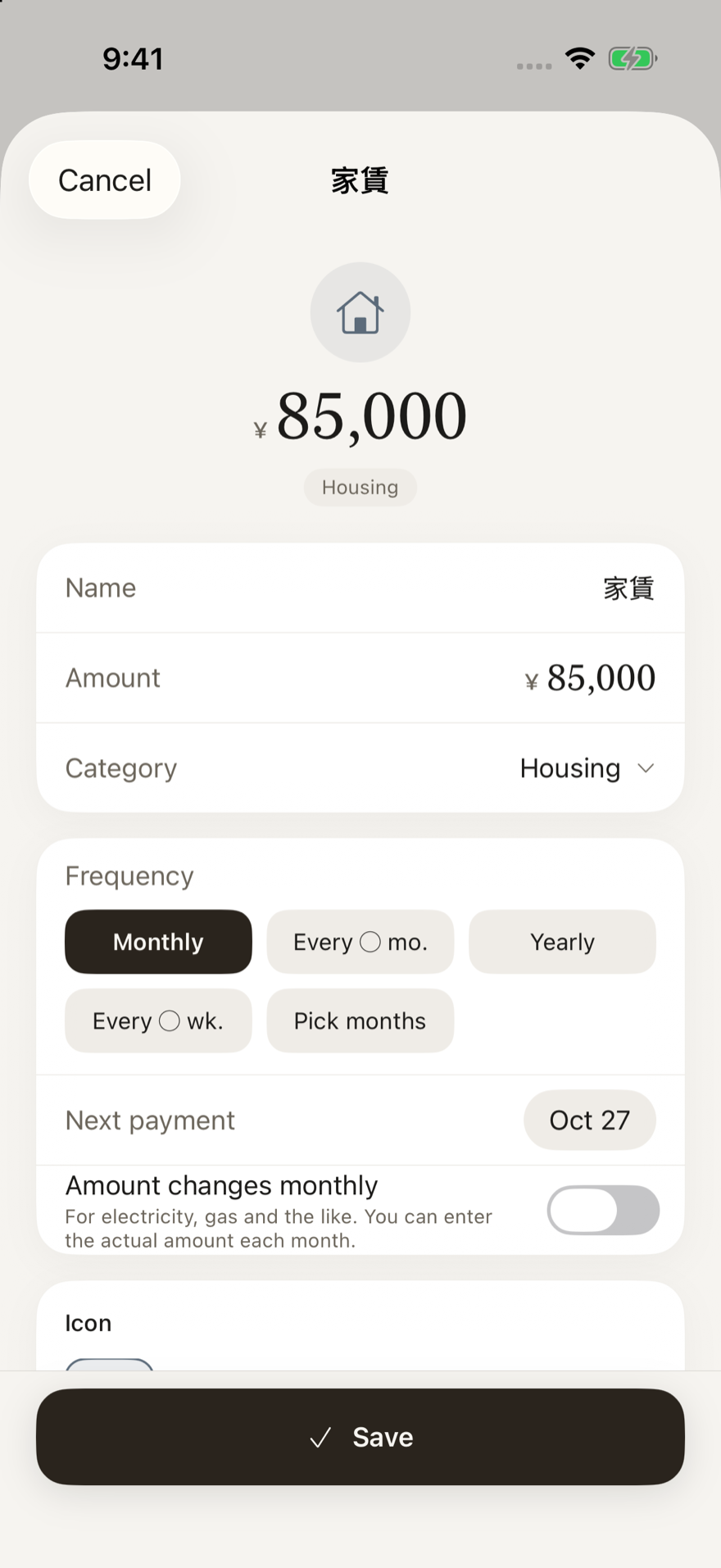
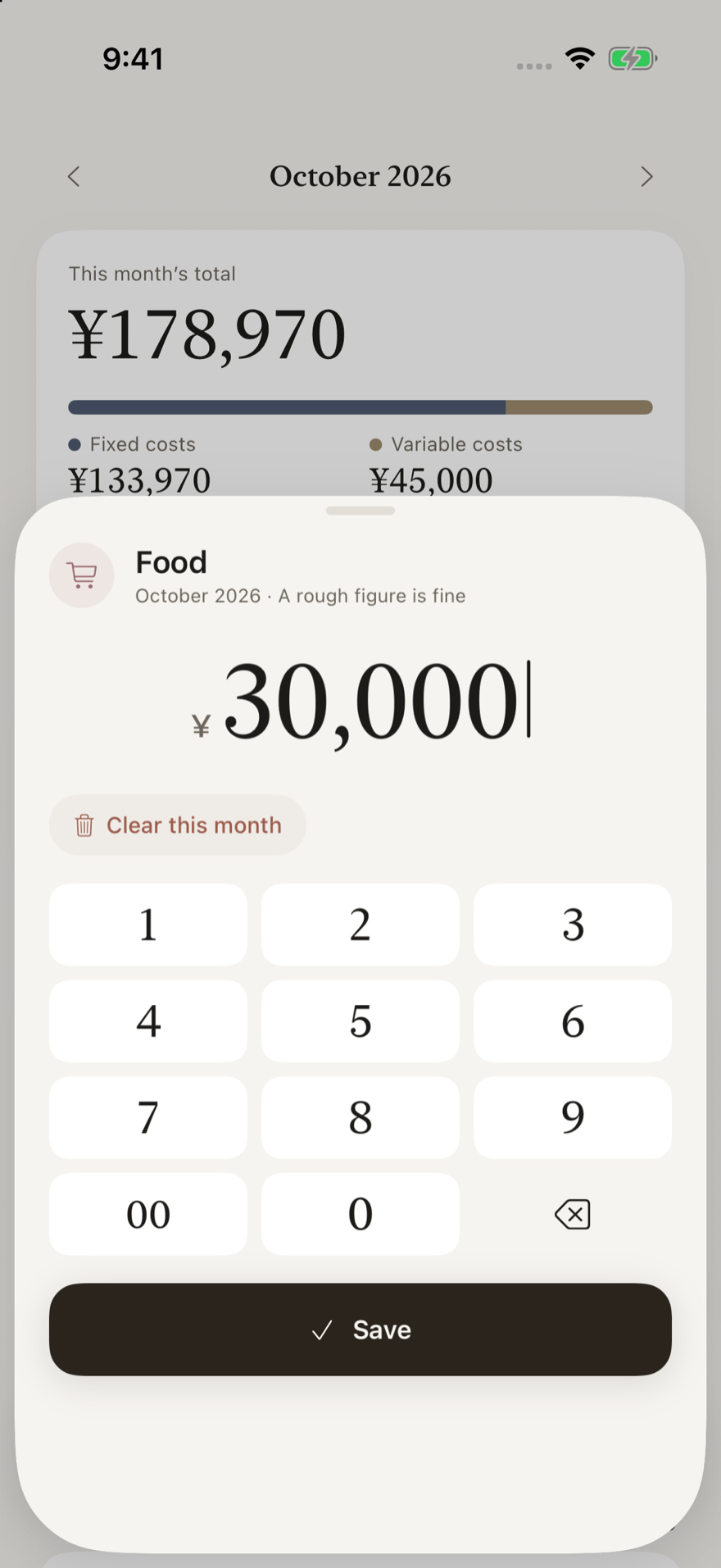
This month, at a glance
The total, the split between fixed and variable, and its share of your take-home pay sit at the top of Home. Just open it when you’re curious.
Whatever the rhythm
Monthly, every 2 months, every 6 weeks, yearly, every 2 years, or chosen months. Each amount lands in the month you actually pay, and “spread monthly” smooths it out if you prefer.
See peaks a year ahead
Once-a-year payments such as taxes or a car inspection show up as peaks in the bar chart of the next 12 months.
Variable spending, once a month
For food, daily goods and the like, enter one amount per category for the month. No logging every purchase.
More than 60 presets, your own look
From rent to gym and yearly fees. You enter the amounts. Pick an icon and one of 12 colors to make each item your own.
Price changes keep their history
Change an amount and it applies from the month you’re viewing. Earlier months stay as they were, so a rent increase shows up in the trend.
Free to start, with no ads.
Up to 5 items (fixed and variable together) are free. To go beyond that, choose the Supporter plan or a one-time purchase. Paid plans also include CSV export and saving or sharing as an image.
The Supporter plan is a yearly, auto-renewing subscription. The one-time purchase is paid once and does not renew. Prices are shown on the App Store in the currency of your country or region. You can keep viewing and editing your existing items and graphs on the free plan. See the Terms of Use for details.
Your budget stays yours.
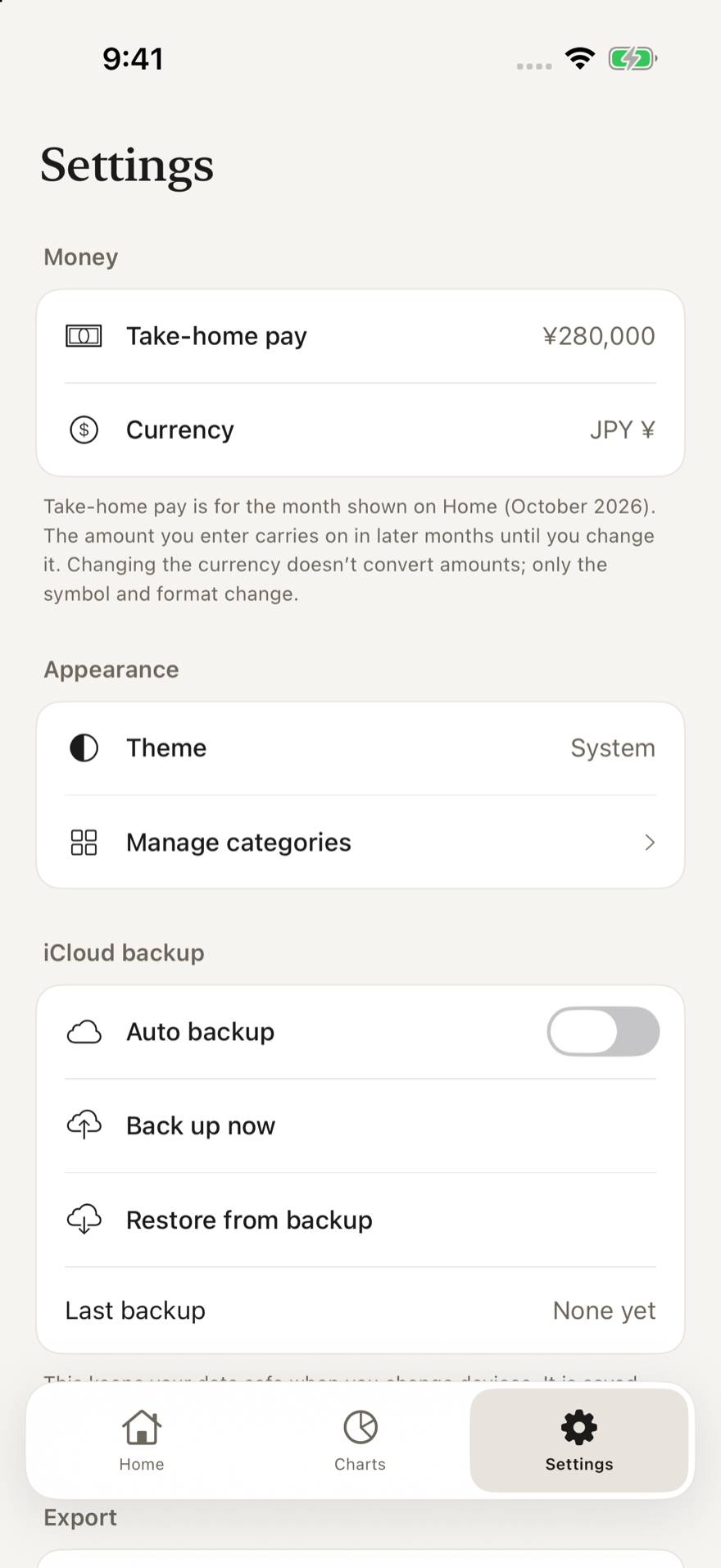
The app has no accounts, no bank or card linking, no ads and no analytics tools. Everything is stored on your device. iCloud backup is optional and saves only to your own iCloud Drive; it never reaches the developer. Read the Privacy Policy.
What is Costs?
Costs is an iOS budget app that lines up rent, subscriptions, salon visits and yearly fees, and shows this month’s total and the peaks of the coming year at a glance. Variable spending is just one amount per category for the month.
Is it free?
Yes, to start, with no ads: up to 5 items, fixed and variable together. To go beyond that, choose the Supporter plan (yearly, auto-renewing subscription, limit removed while subscribed) or a one-time purchase (pay once, no renewal). Paid plans also include CSV export and saving or sharing as an image. Prices are shown on the App Store in the currency of your country or region.
Is my data sent anywhere?
No. Your records are stored only on your device. The app has no accounts, no bank or card linking, no ads and no analytics tools. iCloud backup is optional and saves only to your own iCloud Drive, never to the developer.
How are yearly or every-2-months payments handled?
You choose a frequency: monthly, every N months, yearly, every N weeks, or chosen months. By default the amount lands in the month you actually pay, and a yearly fee is never silently divided by 12. Turn on “spread monthly” to see it as a smoothed monthly amount.
How do I record variable spending?
For each category, such as food or daily goods, enter one amount for the month. There is no need to log each purchase, so Costs is not the right fit if you want itemized records.